You're at the market buying stock when a customer calls about an item, and you have to ring your cashier to find out whether any are left. If you're wondering "how to check shop stock on my phone", the answer is an inventory system you can open on your phone, with your shop's stock records kept up to date.
Instead of waiting for someone to check the shelf, you can look up the recorded quantity yourself. The catch is that unrecorded sales or stock deliveries can make that number misleading.
By the end, you'll know how to check an item, see stock across branches, and keep your records useful when you're away.
How can I check my shop stock on my phone?
Your cashier's line is busy, and the trader at the market is waiting for your order. Use inventory software that lets you open your shop's stock records on your phone, rather than relying on another call.
The key distinction: you're viewing records, not the physical shelf. An unrecorded delivery or a sale that hasn't synced can leave the quantity incomplete.
The basic routine is simple:
- Sign in on your phone.
- Open the inventory for the location you want to check.
- Find the item and read its recorded quantity.
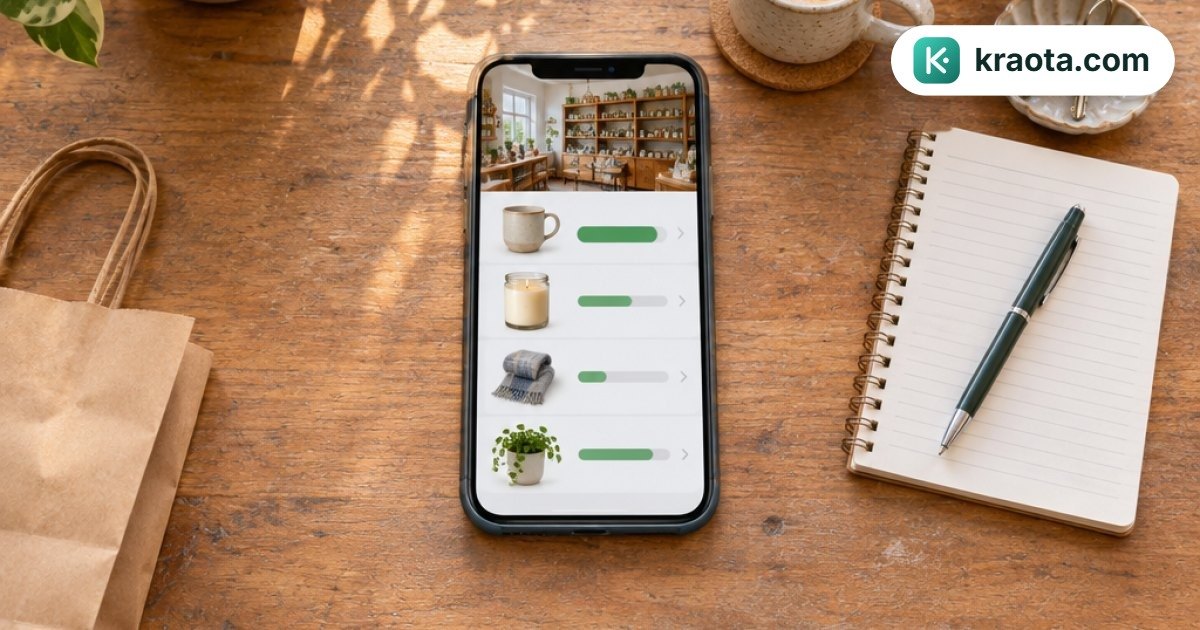
Kraota lets you view inventory records in a browser, including on your phone. You can also install it on your phone as a PWA, so it opens like an app.
If the shop has been selling offline, those sales sync when the network returns. Until then, your phone may not show them. To try this routine, start Kraota's 14-day free trial.
What do I need before I can check stock remotely?
You're looking for a carton of milk, but the notebook just says "milk". Before you can check shop inventory from your phone reliably, you need a clear product list, an opening physical count and a routine for recording stock movements.
Give each product a name that distinguishes its size, colour or pack size. For example, "Milk 400g tin" and "Milk 900g tin" should be separate entries. For clothing, include the size and colour so your cashier doesn't record a blue medium shirt as a black large.
Use this setup checklist:
- List your products: give each item a name everyone recognises.
- Count what's physically present: check shelves and storage areas, not just the old notebook.
- Record starting quantities: enter the count against the correct product and branch.
- Agree who records movements: assign responsibility for sales, deliveries, returns and transfers.
Everyone needs to use the same stock records. If deliveries stay in WhatsApp while sales go into a notebook, you'll still need phone calls to piece things together.
Kraota's stock counts and inventory per location support that setup, including separate stock records for each branch.
How do I check an item's stock in Kraota from my phone?
You're at a wholesaler's counter when a customer messages to ask whether you still have their usual milk. To check the recorded stock, open Kraota in your phone browser and sign in.
View the inventory for the relevant shop location, then find the product. If you have more than one branch, make sure you're looking at the branch the customer will visit, not stock held elsewhere.
Before you answer, check two things:
- Exact product: match the name, size and variant. Milk in a small tin isn't interchangeable with a larger tin.
- Stock unit: confirm whether the quantity means individual pieces or packs. Kraota supports units and pack conversions, so pay attention to the unit recorded for that item.
For example, you're a provision-store owner buying stock in the market. You find "Milk 400g tin" for your shop location, with a recorded quantity of 12. Before telling the customer you have 12 tins, confirm that the quantity refers to individual tins, not packs.
You can also install Kraota on your phone as a PWA for an app-like way to open it, rather than typing the website address each time. The Kraota user guide has instructions to help you get set up.
Can I see what is left in each branch?
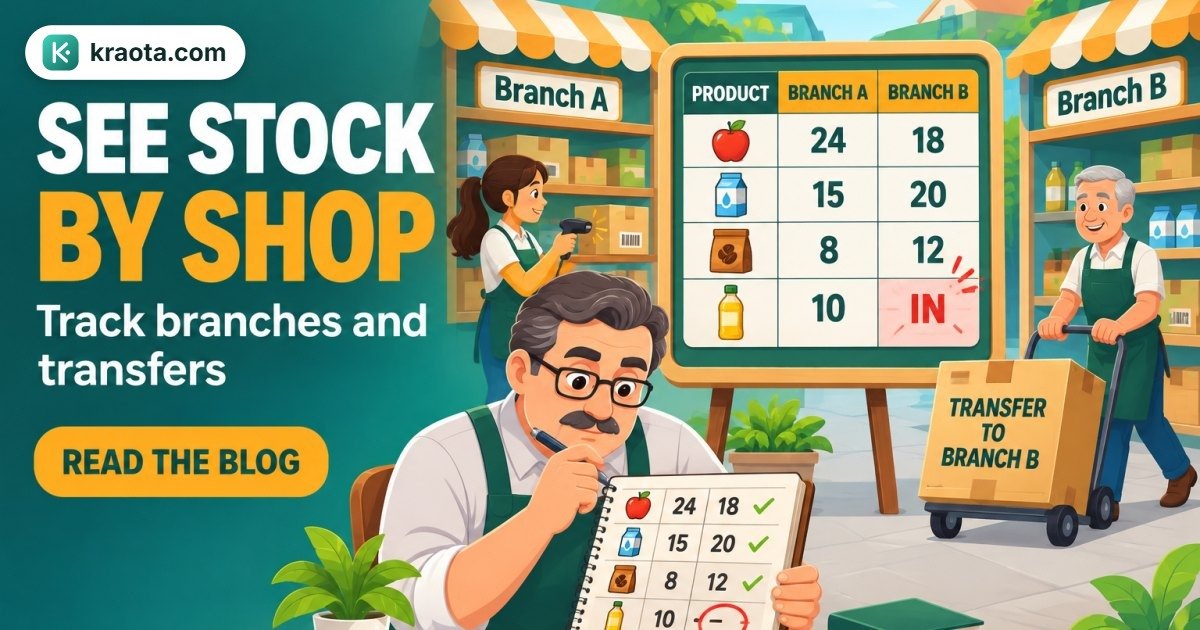
A customer messages you: "Can I collect it from your Surulere shop?" Yes, you can check stock across branches in Kraota from your phone. Each branch sees its own stock, while you, as the owner, can view all locations.
The combined quantity isn't enough when someone wants to collect from a particular counter.
For example, suppose you have 6 units in Surulere and 2 in Yaba. That's 8 units altogether, but it doesn't mean 8 are available at either shop. If the customer needs 4 units from Yaba, the 2 recorded there won't cover the order.
If you move goods from Surulere to Yaba, record that movement as a stock transfer in Kraota. A message saying "I've sent some stock over" in the staff WhatsApp group isn't a stock record.
Kraota's stock transfers record movement between branches, so you can check the location records rather than search through chats to work out where goods went.
Why might my phone show stock that isn't on the shelf?
Your phone shows an item is available, but your cashier says the shelf is empty. The stock record may be missing a transaction, or a recent sale may not have synced yet.
Check these practical causes first:
- An unrecorded sale: the customer left with the goods, but nobody entered the sale.
- A delivery that wasn't entered: goods arrived, so the shelf holds more than the record shows.
- Damage that wasn't adjusted: spoiled or broken items were removed without updating stock.
- Packs confused with units: someone recorded a pack as one individual item, or the other way round.
Network delays matter too. Kraota's POS can keep selling offline and sync when the network returns. While sales are waiting to sync, the stock you see remotely may not yet reflect those sales. Don't assume the figure includes everything that just happened at the counter.
For example, if the record shows 12 units but a physical count finds 10, investigate the difference before making an adjustment. Check for missing sales, unsynced transactions and pack errors first.
Kraota supports stock counts and adjustments, but inventory software doesn't physically count shelves for you. If a quantity is disputed, someone at the shop may still need to count it and confirm what's there before you correct the record.
How do I keep my stock records useful when I'm away?
A supplier drops off cartons while your cashier is serving a queue. Decide who checks and records that delivery before it goes onto the shelves, so it doesn't become something everyone thought someone else had handled.
To keep shop stock records accurate, give staff a simple routine:
- Record sales as they happen, rather than saving them for the end of the day.
- Record received goods after checking what actually arrived. Use Kraota's goods receipts to enter the delivery, not just the quantities you ordered.
- Enter other stock movements, including branch transfers, returns, breakages and spoiled goods, when they happen.
Set a regular schedule for physical checks. Give fast-moving items and products whose records often disagree with the shelf extra attention.
Keep counting separate from correcting. Use Kraota's stock counts to establish what's physically present, investigate any difference, then use an adjustment where a correction is needed. Don't change a figure simply to make the discrepancy disappear.
You still need named responsibilities when you monitor shop stock remotely. Decide who receives deliveries, who counts and who approves corrections. Kraota's team roles and permissions let access match those duties. Before you next leave the shop, agree who handles each task.
How can I start checking my shop stock from my phone?
Before you leave the shop today, choose a small group of products you know well, perhaps the biscuits beside the till or your bestselling phone chargers. Count what's physically there, then enter accurate starting records in Kraota. You don't need to tackle every shelf at once.
If your product information is already in a spreadsheet, you can import it into Kraota rather than type it again. Check the quantities against the shelf first. An old spreadsheet balance isn't a reliable starting count just because it's easy to upload.
Ask staff to record actual sales and stock movements for those products as they happen. Include deliveries, returns and transfers, not just what goes through the till.
Then open Kraota in your phone's browser while you're away and check those items. Compare the phone records with another physical count, making sure any offline sales have synced before you investigate differences.
If the figures disagree, trace what wasn't recorded before extending the routine to more products. This gives you a manageable first stock check, rather than a whole-shop setup to finish in one sitting.
Start Kraota's 14-day free trial and set up your first phone stock check.